
Cross-Platform
Seamlessly switch between Android and Desktop with synchronized reading progress across all your devices.
Android 5.0+Windows 10+LinuxmacOS
The ultimate open-source reader for light novels, web novels, and ebooks
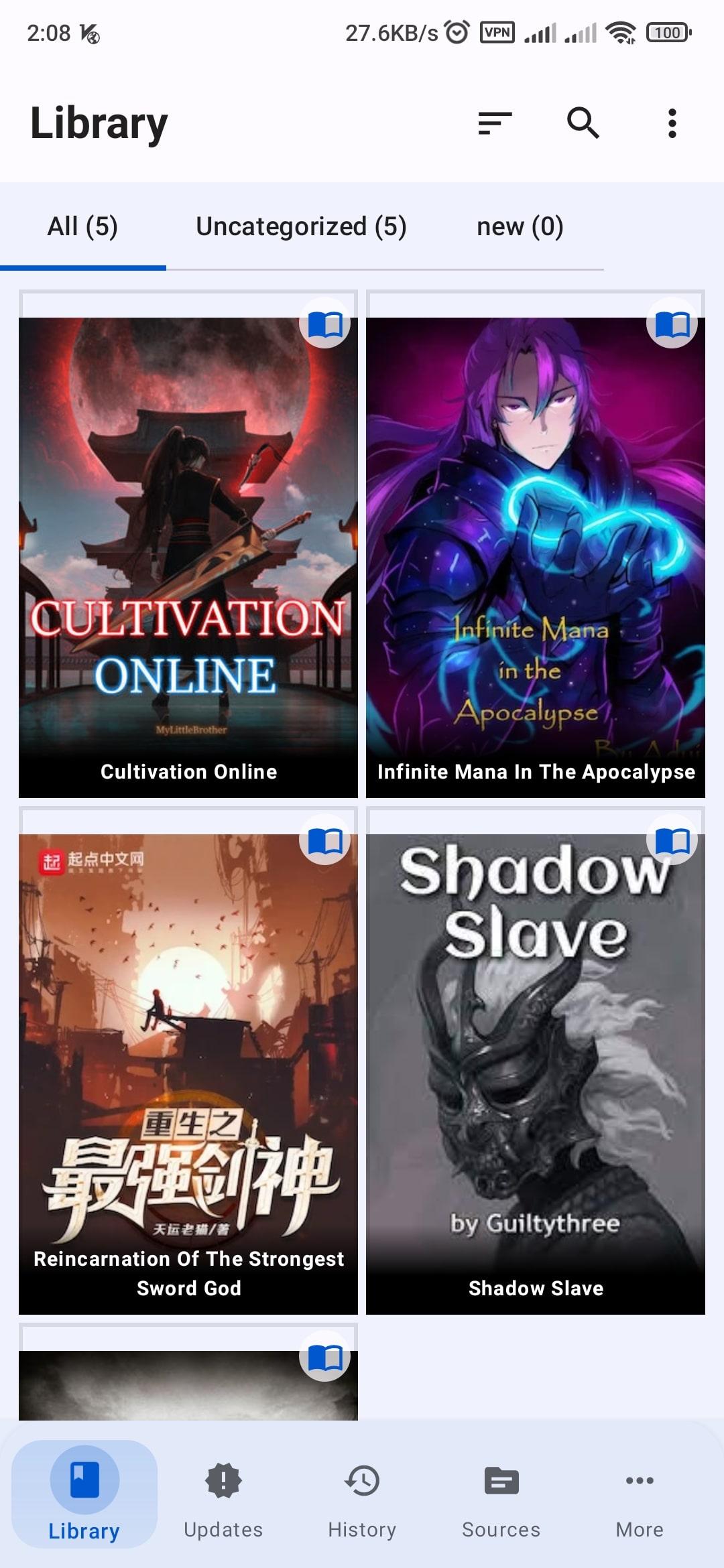
Choose your platform and start reading in minutes. Free forever, no account required.
Powerful features designed for the ultimate reading experience. Cross-platform, customizable, and completely private.
Seamlessly switch between Android and Desktop with synchronized reading progress across all your devices.
Natural AI voices powered by Piper TTS with real-time word highlighting for immersive listening.
Install community extensions to unlock content sources from around the world.
No analytics, no ads, no tracking. Your reading data stays on your device.
Dark mode, light mode, and custom color schemes to match your style.
Download chapters for offline access. Read anywhere, anytime.
And many more features to discover...
Transform your reading experience with natural AI narration powered by Piper TTS. High-quality, offline, with word-level highlighting.
The ancient library held secrets that had been forgotten for centuries...
Natural-sounding AI voices powered by Piper TTS across multiple quality levels.
All voice models run locally on your device. No internet required after setup.
Dozens of languages and regional accents to match your reading preferences.
Follow along visually as each word is highlighted in sync with narration.
Adjust speed, pitch, and volume to create your perfect listening experience.